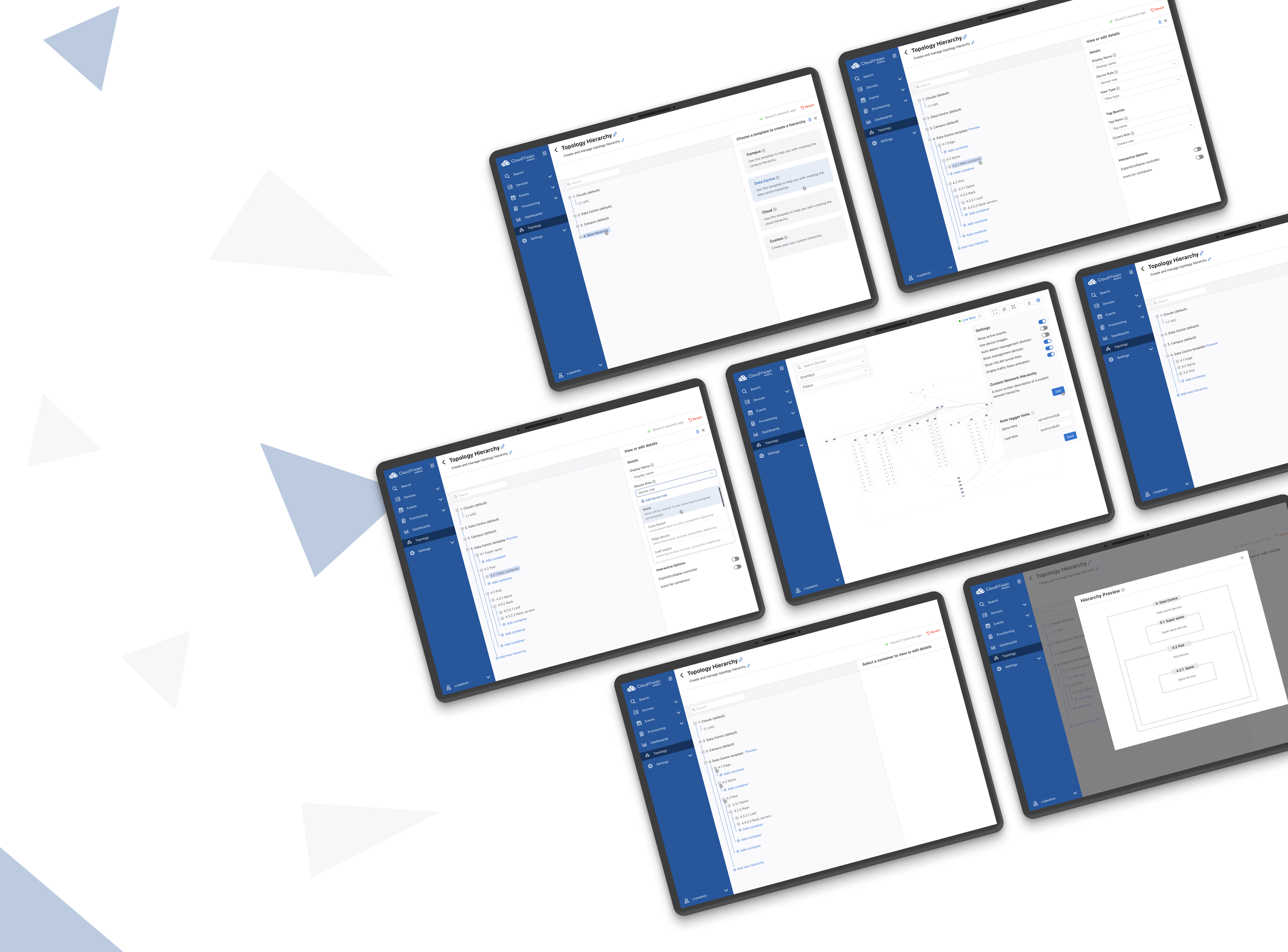

CloudVision Network Topology
Tools
Sketch, FigJam & Zeplin
Team
Arista CloudVision Team
Role
Lead UX/UI Designer
Duration
2021 - 2022 Project
Project Overview
CloudVision provides interactive network topology visualizations that help administrators understand, navigate, and manage complex network infrastructure.
I led the UX for Custom Hierarchy, a new capability that gave users more control over how their network was represented. Instead of relying only on predefined topology structures, users could create hierarchies that better reflected how their own infrastructure was organized.
Problem
We provide data center, campus, and cloud hierarchies, but customer networks don’t always conform to these arrangements. There’s a wide range of networks out there, and if we want to support a large portion of them, we will need to allow user customization.
Users are limited to hierarchies that may not fit their network.
Users can't customize the order of devices within one container.
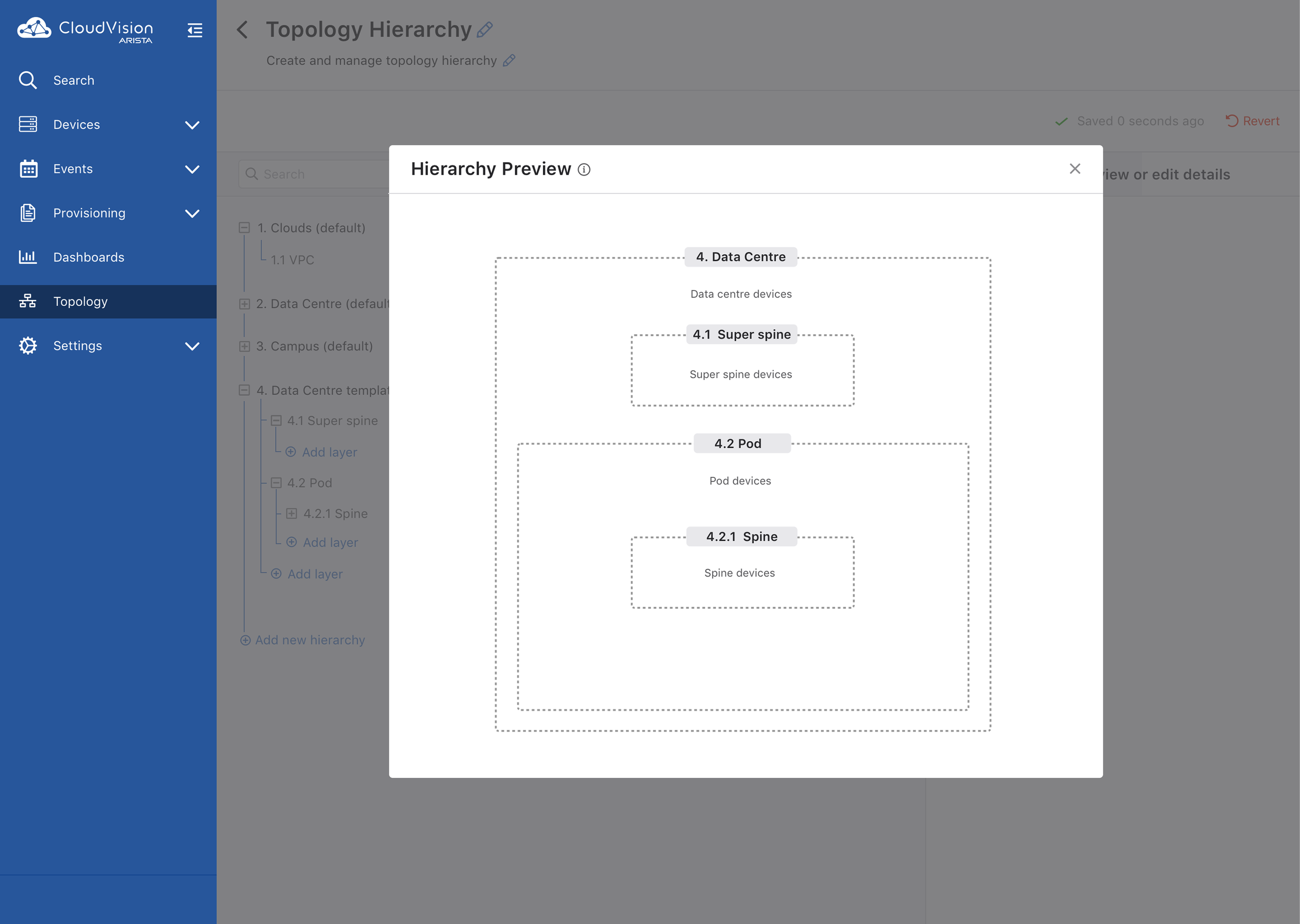
Users typically don’t understand the possibilities offered by built-in hierarchies.
GOAL: Provide users with the most flexible way to customize their network topology with a simple and intuitive design.
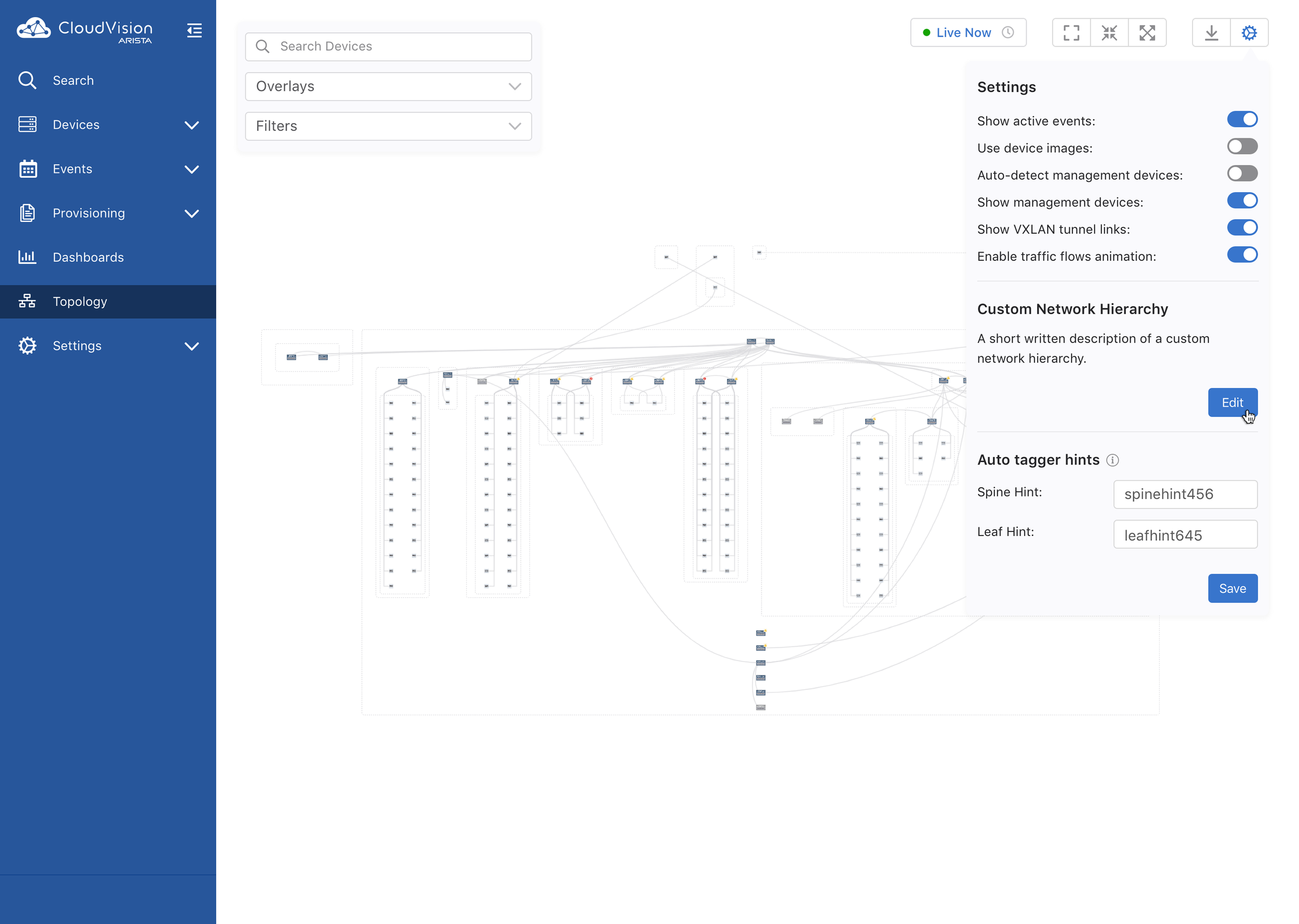
Designing Custom Hierarchy
Based on customer research, I designed two ways to create and manage the same custom hierarchy, giving users flexibility based on how they preferred to work with their network.
Visual Topology: Users could directly drag and drop devices, create groups, and organize their infrastructure while seeing the network connections.
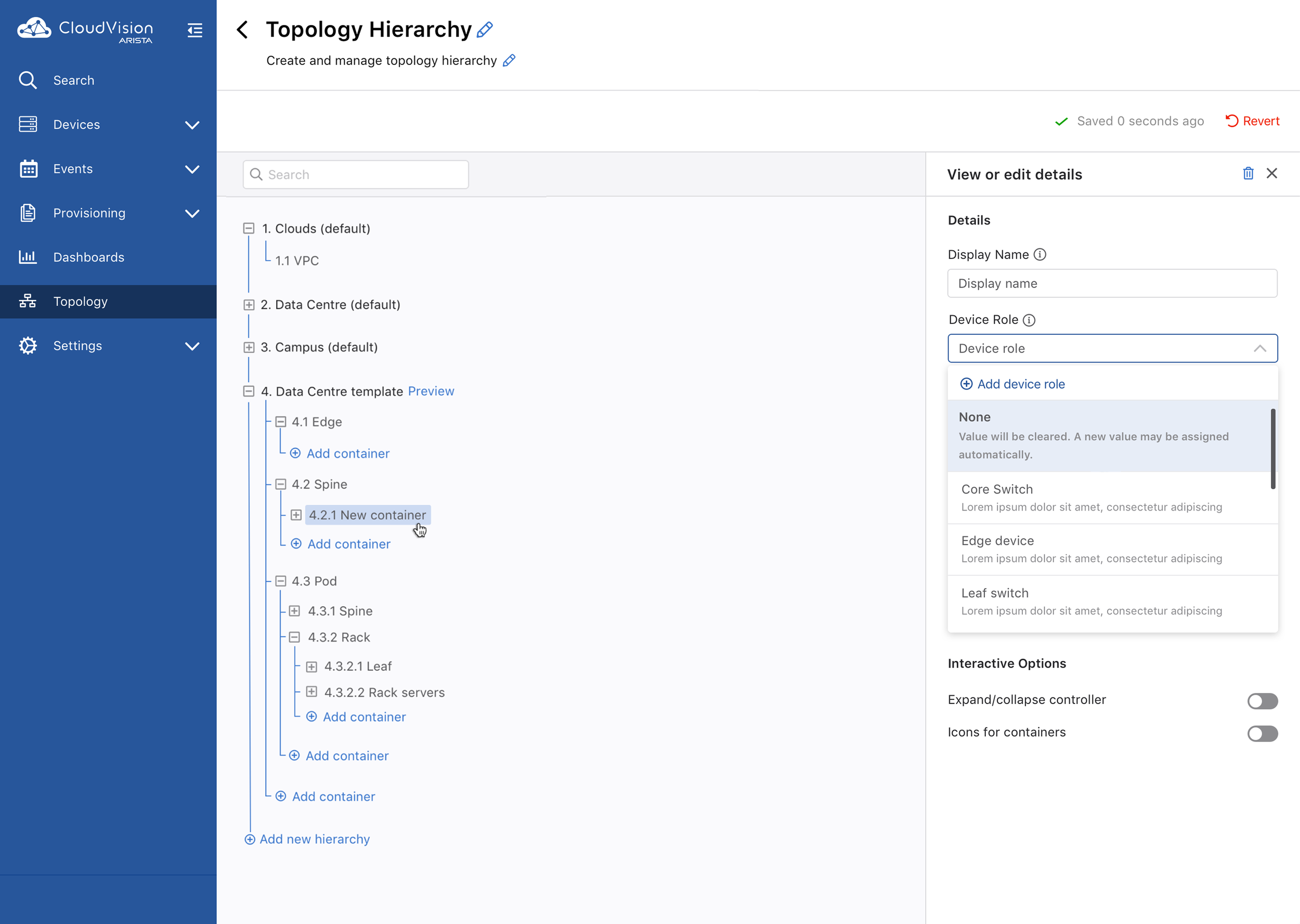
Tree View: Users could manage the same structure through a more explicit hierarchy, making it easier to understand groups, nesting, and relationships.
Changes made in either view were reflected in the same underlying network structure. This allowed users to organize CloudVision around how their network was actually structured, rather than being limited to predefined hierarchies.
Impact
Custom Hierarchy expanded CloudVision beyond predefined network structures, giving users more flexibility and control over how they organized their infrastructure.
By supporting both Visual Topology and Tree View, users could work with the same network structure in the way that best matched their workflow, while keeping changes consistent across both views.
The final experience created a more flexible and scalable foundation for organizing and navigating complex network environments